
Video widgets are more versatile than you think
When most people hear "video widget", they picture a simple video player stuck in the corner of a website. That is the bare minimum. The real power comes from making the video interactive, with buttons, links, and smart page targeting based on what page the visitor is on.
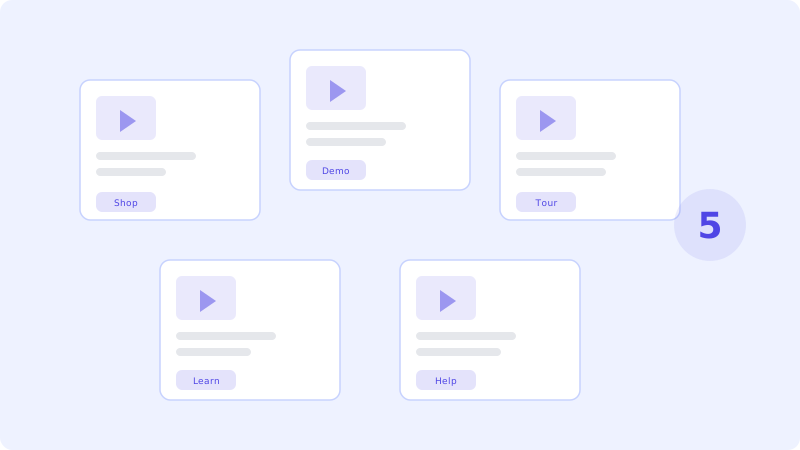
Here are five ways businesses are using them right now, with real results.
1. E-commerce product demos
Product photos can only do so much. A 30-second video showing your product in use answers questions that photos never can. How big is it really? How does it move? What does the texture look like?
Set up a video bot on each product page that plays a quick demo. Add a "Buy Now" button that takes the visitor straight to checkout. Some stores report that product pages with video bots convert 35% better than those without.
Pro tip: record different videos for different product categories and use page rules to automatically show the right one.
2. SaaS onboarding and feature tours
If you sell software, you know the problem. New users sign up, poke around for two minutes, and leave. They never discover the features that would make them stay.
A video bot on your dashboard can welcome new users and walk them through the first steps. "Hey, welcome to the app! Let me show you how to set up your first project." It is like having a personal tour guide for every new customer, without hiring anyone.
Add buttons like "Show me how" or "Skip for now" so users stay in control.
3. Real estate virtual tours
Real estate agents spend hours driving clients to properties that turn out to be wrong. Video bots on property listing pages let potential buyers get a quick walkthrough before they commit to an in-person visit.
Record a 60-second tour of each property. Show the kitchen, the living room, the view from the balcony. Add a "Schedule a Visit" button. Agents who do this say they get fewer but much more qualified leads.
4. Online education and course previews
Selling an online course? A video bot on your sales page with a free lesson preview can be the push someone needs to buy. Let them see your teaching style, hear your voice, and get a taste of the content.
This works for any knowledge-based business: coaching, consulting, workshops. People buy from people they trust, and video builds trust faster than anything else.
5. Customer support and FAQ
Not every support question needs a human. Many customers ask the same things over and over. Record short video answers to your top 5 questions and set them up as a video bot on your support or FAQ page.
"How do I reset my password?" "How do I cancel my subscription?" "Where do I find my invoice?" A 20-second video is clearer than a paragraph of text, and it saves your support team a ton of time.
Add a "Still need help? Chat with us" button for questions the videos do not cover.
Getting started is easier than you think
You do not need to implement all five at once. Pick the one that makes the most sense for your business and start there. Record a simple video with your phone or webcam, upload it, add a button or two, and put it on your site. You can always improve it later.
The businesses that get the best results are the ones that just start. A decent video today beats a perfect video that never gets made. See pricing plans - there is a free tier so you can test the idea without committing.